Vacuum Cleaner Not Working? Separate No Power, Shutoff and Weak Pickup
Identify whether your vacuum has no power, stops during use, loses pickup or has a stopped brush. Follow owner checks and know what information to give support.
As an Amazon Associate we earn from qualifying purchases. Our recommendations are based on editorial research; we identify hands-on testing when performed. Read our methodology.
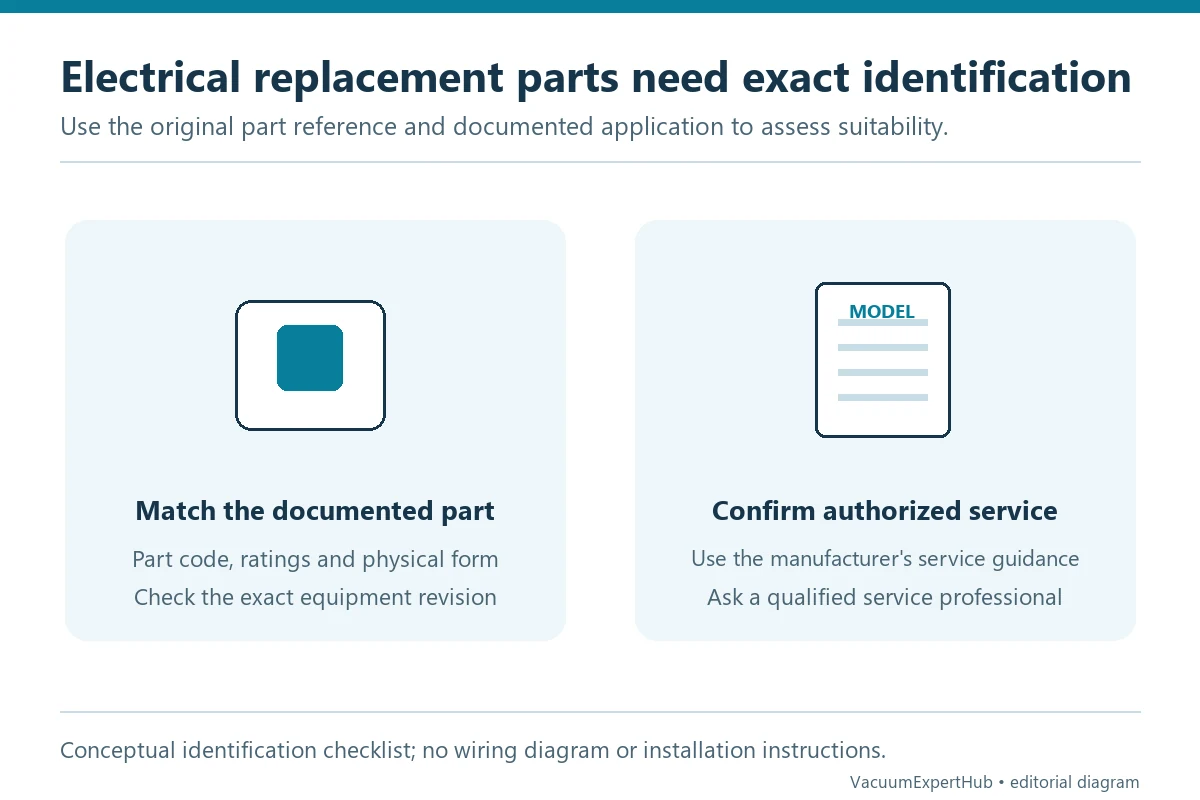
Table of Contents
If a vacuum is not working, first identify what has stopped: the whole appliance, the suction motor, the brush or effective pickup. Those observations lead to different owner checks. Write down the full model and use its troubleshooting guide before ordering a battery, belt or motor.
Original manufacturer instructions were reviewed November 25, 2026. This page helps organize owner-level checks; it cannot determine an internal electrical fault from a symptom alone.
Match the symptom to the next check
| What you observe | Question to resolve | Next step |
|---|---|---|
| No response at all | Correct supply or approved charged pack, assembly and controls? | Follow the exact no-start instructions |
| Starts and then stops | Indicator, blockage or documented protection event? | Stop and use the model’s shutdown procedure |
| Motor runs but pickup is weak | Collection, filters, air path or head? | Use the suction guide |
| Motor runs but brush does not | Selected mode, posture, connection or obstruction? | Check the exact floorhead instructions |
| Burning odor, sparks or visible damage | Continued operation may be unsafe | Stop use and obtain appropriate service |
Do not repeatedly restart a machine with an unresolved fault. An electrical burning smell is a different problem from an ordinary debris odor; use the burning-smell guide.
Establish the correct starting arrangement
Switch off and disconnect as the manual directs before inspection or changing parts. For a corded machine, check the approved supply and accessible cord and plug condition without opening electrical parts. For a cordless machine, identify the approved battery and charger and the meaning of the visible charging indicator. Do not treat a matching connector shape as compatibility evidence.
Check that owner-removable compartments and attachments are correctly seated, using the exact assembly instructions. Record any displayed code or light pattern before following a reset. Robot app connectivity, robot charging and the ability to run a cleaning cycle are separate observations.
If it stops during use, identify the documented protection
The original Shark NV360/NV361 guide describes a motor-protective thermostat and a model-specific restart procedure after cooling and owner maintenance checks. It also treats brush stoppage separately. That is a documented example, not proof that every unexpected shutdown is overheating or that every vacuum uses the same waiting time.
Use the instructions matching your full model and revision. Resolve any permitted cup, filter or blockage checks with power disconnected, and follow the actual drying and cooling requirements. If the specified procedure does not resolve the problem, contact support rather than repeating a reset indefinitely.

If only the brush stops, check its operating conditions
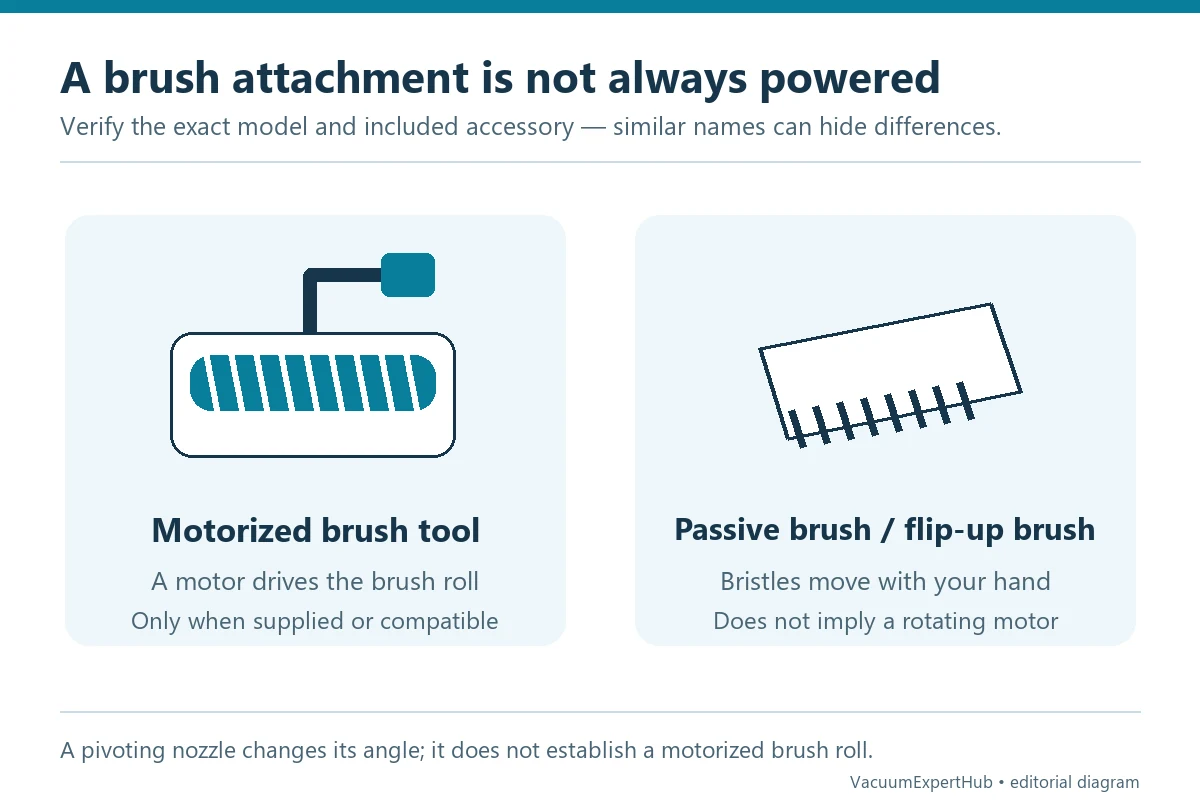
A brush may run only in a specified mode or with the head in its working position. Another tool may be passive or air-driven and have no electric brush motor. Establish the mechanism before diagnosing a failed motor or belt.
Follow the model’s permitted obstruction inspection, shutdown and access procedure. A removable roller does not establish a removable motor housing, and a tool described as washable still needs component-specific instructions. Use the brush-roll guide to organize those questions.
Prepare a useful support request
Collect the full model and region, purchase condition, indicator or error, what stopped, what happened immediately beforehand and which documented owner checks you completed. Include a description of any liquid, unusual debris, damage or abnormal heat. Do not dismantle the appliance to create a more detailed report.
Ask about the correct next service step, exact replacement reference and applicable coverage. A symptom alone does not establish which part to buy. Compare an actual service assessment with replacement cost rather than assuming that a stopped vacuum needs a new motor.
Does no power mean the battery is dead?
It does not establish a particular failed part. Confirm the exact supply, assembly, controls and indicator procedure before considering a replacement.
Can I run it without a filter to test suction?
Do not bypass required filters or protection. Use the appliance’s approved troubleshooting method with all required components fitted.
When should I stop owner troubleshooting?
Stop for damage, burning or repeated unresolved shutdown, or when the next step requires internal electrical work. Follow manufacturer support or an appropriate qualified service route.
Keep reading
Why Is My Vacuum Not Sucking? A Step-by-Step Suction Checklist
Find the cause of weak vacuum suction by checking the bin, bag, filters, hose, floorhead, and seals in the right order.
Why Does My Vacuum Smell Burnt? What to Check Before Restarting
A burning vacuum smell can come from a stalled brush, damaged belt, blocked airflow, or an electrical fault. Use this safe diagnostic checklist.
Vacuum Maintenance Guide: A Practical Checklist by Symptom
A model-aware vacuum maintenance checklist for bags, filters, hoses, brush rolls, odors, and lost suction, with links to detailed fixes.
Ready to Find Your Perfect Vacuum?
Compare vacuum features, tradeoffs, and documented product information
Browse All Vacuums